8 PC Video Editing Apps: From Free to Studio-Grade (A B2B Buyer's Guide)
A B2B buyer's guide to 8 PC video editing apps — from free (CapCut, DaVinci Resolve) to pro (Premiere Pro, Vegas) — for brands producing content in Indonesia.
The direct answer: The best PC video editing apps span three tiers — free tools like CapCut, DaVinci Resolve, and Shotcut; prosumer options like Filmora; and industry-standard professional suites like Adobe Premiere Pro and Vegas Pro. The right choice depends on your output goals, hardware, and budget — not brand recognition. This matters commercially: Indonesia now has 221 million internet users (APJII, 2024), and video consumption across hubs like Jakarta and Tangerang keeps climbing, pushing brands and production teams to invest in tooling that genuinely fits the job.
If you're a marketing director or brand manager at a US, Singapore, or Australia-based company evaluating an Indonesia-based production or agency partner, software choice is a quiet but revealing signal. It tells you whether a partner picks tools for prestige or for the specific output your brand needs. This guide walks through all eight apps through a B2B lens — what each does well, who it's for, and what it implies about the production operation behind it.
Key takeaways:
- Three free apps are genuinely production-viable: CapCut (fast social content), Shotcut (open source, lightweight), and DaVinci Resolve (studio-grade color grading at zero cost for the standard version).
- Adobe Premiere Pro remains the industry standard for team workflows, but it demands powerful hardware and a monthly subscription — not an economical pick for casual use.
- PC specifications matter more to editing performance than the app's name: 16 GB RAM, an SSD, and a discrete GPU are the practical floor for smooth 1080p–4K work.
- For premium brands, consistent output doesn't come from the most expensive app — it comes from a disciplined in-house production system that controls quality from shoot to final render.
A Scenario That Explains Why Tooling Is a Business Decision
Imagine a global automotive brand launching a premium electric SUV in the Indonesian market. The brief is unforgiving: every frame has to carry two things at once — the premium performance heritage the nameplate is known for, and a new electrification narrative. That demands precise color grading, clean multi-camera timeline management, and output that can live on a global brand's official channels without a single quality compromise.
At that level, the choice of PC video editing app is not a matter of taste. It determines whether the footage is broadcast-grade or merely passable. This is exactly the calculus a foreign brand manager should apply when assessing an Indonesian production partner: does the team's toolchain match the ambition of your brand? A partner editing a flagship campaign in a template-driven social app is telling you something. So is one running a full DaVinci Resolve or Premiere Pro pipeline.
What a PC Video Editing App Is — and Why the Choice Matters
A PC video editing app is software that runs on a desktop or laptop to cut, assemble, add effects, color-grade, and export video. Unlike mobile apps — which prioritize speed and templates — desktop software gives full control over the timeline, layered audio, color grading, and high-resolution rendering. For professional output, that control is the whole point.
Why does the choice matter commercially? Because the wrong tool wastes time and money. Beginners who jump straight into Premiere Pro often drown in the interface and subscription cost. Conversely, a studio forcing CapCut onto a premium client project loses precision in color and audio. Choosing among the eight apps below should start with two questions: what is the output for, and how capable is the hardware running it?
If your needs lean toward vertical, trend-driven social content, our guide to TikTok video editing apps covers the mobile-first toolset. This article focuses on the heavier, more flexible desktop ecosystem.
8 PC Video Editing Apps, From Free to Studio-Grade
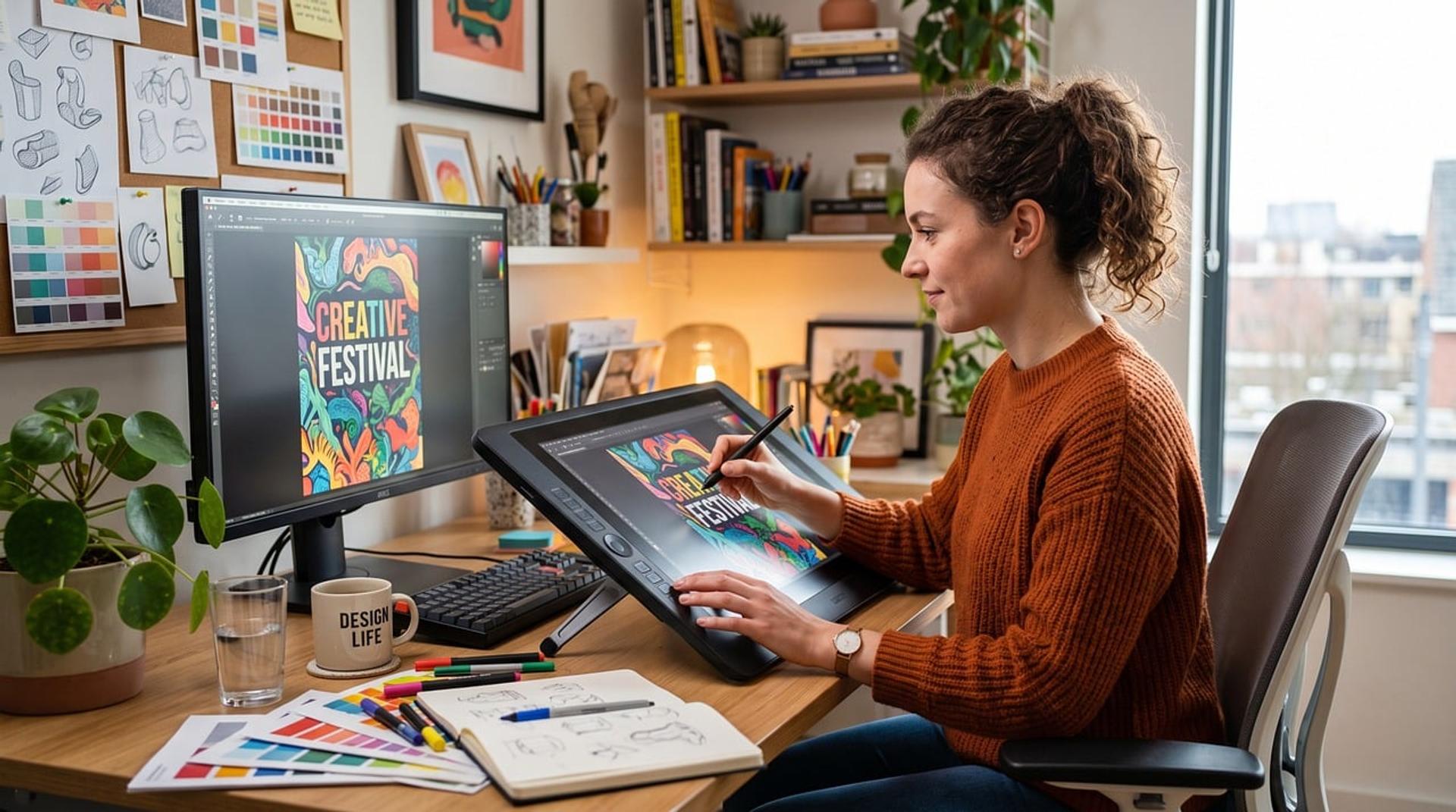
The list climbs deliberately — from the most beginner-friendly free tools, up through prosumer options, to studio-class software. Each entry notes who it fits best, so you can map it to the kind of partner or team you're evaluating.
1. CapCut for PC (Free)
The desktop version of CapCut brings the ease of the mobile app to a full-sized screen. Templates, auto-captioning, and a deep effects library let social content come together in minutes. It fits creators, social media managers, and small businesses that need fast turnaround. The limits: color grading control is shallow, and some premium assets now sit behind a paywall. For daily feed and reels content, it's the gentlest on-ramp. For a global brand, treat it as a volume-content tool, not a flagship-campaign tool.
2. Shotcut (Free, Open Source)
Shotcut is fully free, open source, and runs on low-spec machines. It supports a wide range of formats, multi-track editing, and basic filters — enough for educational video or straightforward documentation. The interface is less polished than commercial tools, but there are no ads, watermarks, or subscription traps. An honest option for cost-sensitive work.
3. OpenShot (Free, Open Source)
OpenShot targets absolute beginners. Simple drag-and-drop, basic keyframe animation, and built-in transitions make it learnable in a day. The downsides: it's less stable on heavy projects and slow to render on weak hardware. It's a good place to learn editing logic before moving to something more serious — but not a tool you'd expect in a professional agency's stack.
4. DaVinci Resolve (Free + Paid Studio Version)
This is the anomaly on the list: free, yet studio-class. DaVinci Resolve (Blackmagic Design) is the film industry's color grading standard, and even the free version includes editing, audio (Fairlight), and visual effects (Fusion). The paid Studio version adds AI features and higher resolutions. The learning curve is steep, but no other free tool matches its color depth. For a foreign brand, a partner running Resolve is a strong signal — it means color discipline is taken seriously, which is exactly where premium video lives or dies.
5. Filmora (Paid, Prosumer)
Wondershare Filmora fills the gap between free and professional. The interface is friendly, the effects and music libraries are broad, and the license price sits well below Adobe. It suits content creators, small businesses, and marketing teams that need clean output without learning complex software. The trade-off: advanced control still lags behind Premiere or Resolve.
6. Adobe Premiere Pro (Professional, Industry Standard)
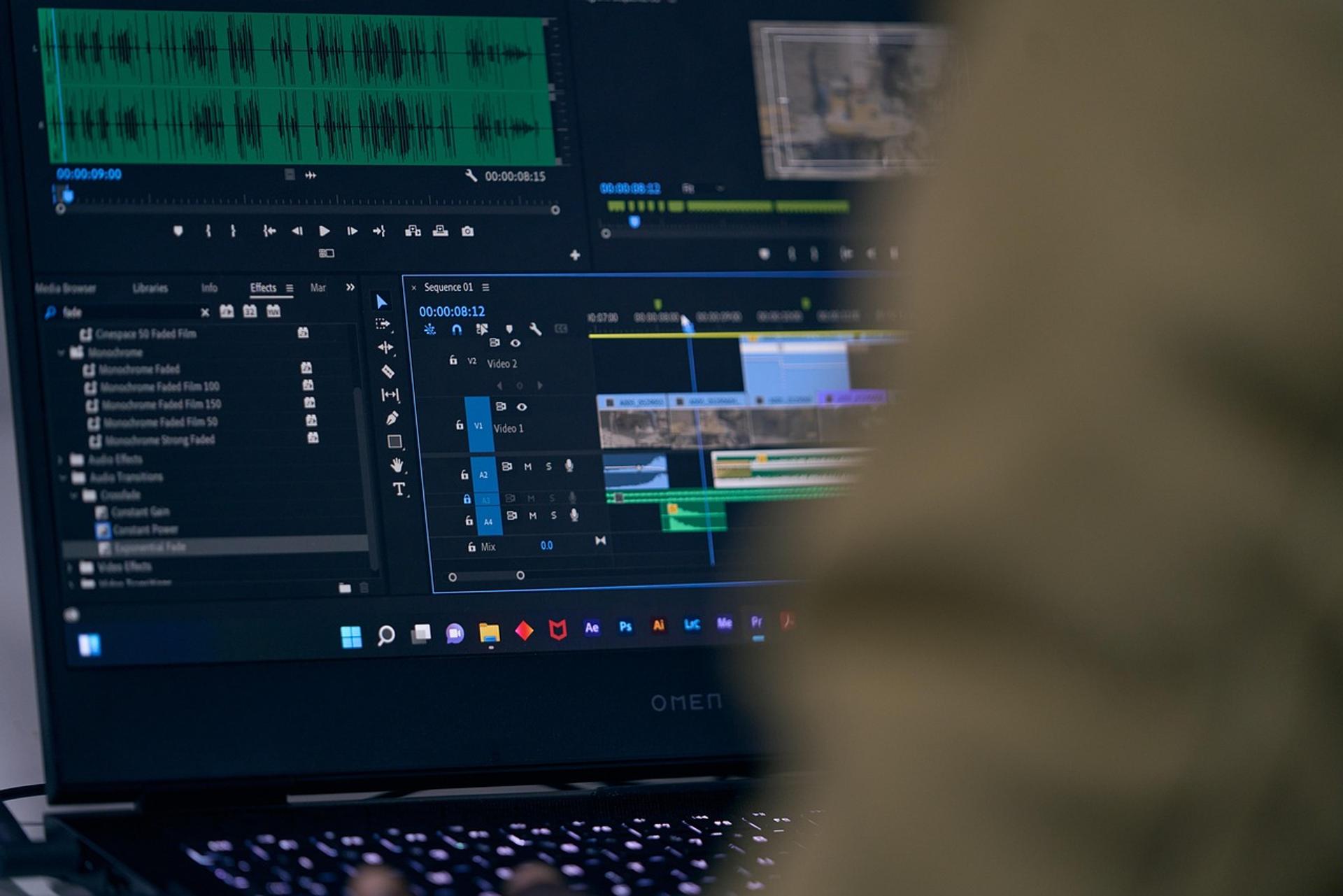
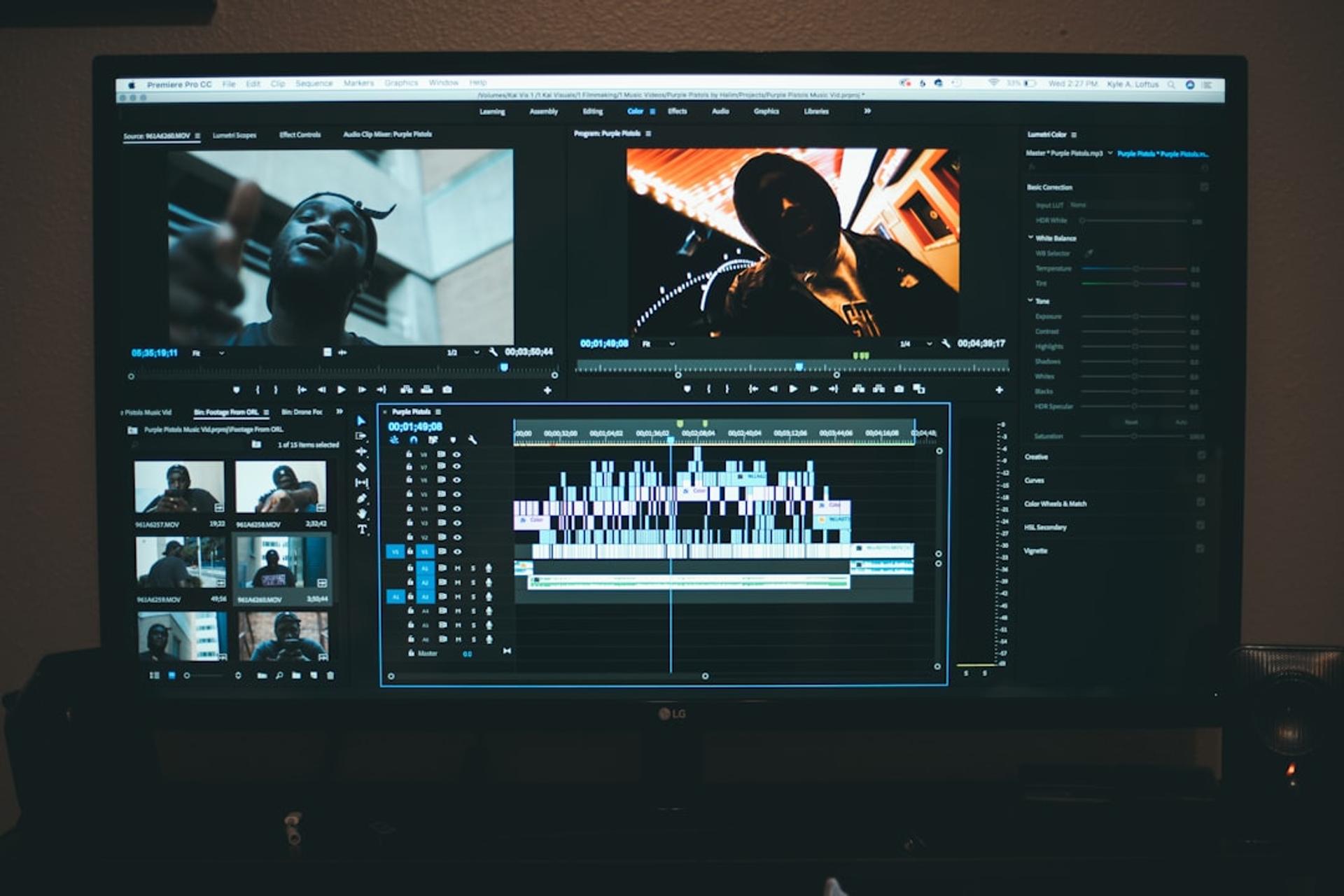
Premiere Pro (Adobe) is the backbone of many production houses. Seamless integration with After Effects, Photoshop, and Audition keeps team workflows tidy within one ecosystem. It supports collaboration, proxy editing for 4K, and countless plugins. The cost: a monthly subscription and demanding hardware requirements. For client production and team workflows, it's the default — and for a foreign brand, it's the reassuring, interoperable choice because files and talent move easily between any Premiere shop worldwide.
7. Adobe After Effects (Professional, Motion Graphics)
After Effects isn't a linear editor — it's a motion graphics and compositing tool. Animated titles, lower-thirds, visual effects, and campaign reveals are built here, then assembled in Premiere. Brands that need animated logos or premium motion graphics depend on it. Learn more about when a brand actually needs this capability in our guide to what motion graphics is.
8. Vegas Pro (Professional, Windows)
Vegas Pro is a Windows-only professional alternative. Its drag-and-drop workflow feels intuitive, its audio handling is strong, and it's a favorite among editors who don't want to be locked into the Adobe ecosystem. A one-time purchase license (rather than a subscription) is a major selling point. The community is smaller, so tutorials are less abundant than for Premiere.
Work With Sagara
Got a project in mind?
Free initial consultation, no commitment. Or see our services.
Comparison Table: 8 PC Video Editing Apps
Here's a quick summary to compare price, skill level, and core strength across all eight apps.
| App | Price | Level | Core Strength | Best For |
|---|---|---|---|---|
| CapCut PC | Free (premium assets) | Beginner | Templates & auto-caption | Daily social content |
| Shotcut | Free | Beginner | Lightweight, open source | Low-spec machines |
| OpenShot | Free | Beginner | Easiest to learn | Learning editing basics |
| DaVinci Resolve | Free + Studio | Beginner–Pro | Film-grade color grading | Serious work, no subscription |
| Filmora | Affordable license | Prosumer | Friendly UI + effects | Small business & creators |
| Premiere Pro | Monthly subscription | Professional | Team workflow & integration | Client production, teams |
| After Effects | Monthly subscription | Professional | Motion graphics & VFX | Animation, campaign reveals |
| Vegas Pro | One-time purchase | Professional | Intuitive audio-strong editing | Windows pros, no Adobe lock-in |
Hardware Matters More Than the Logo
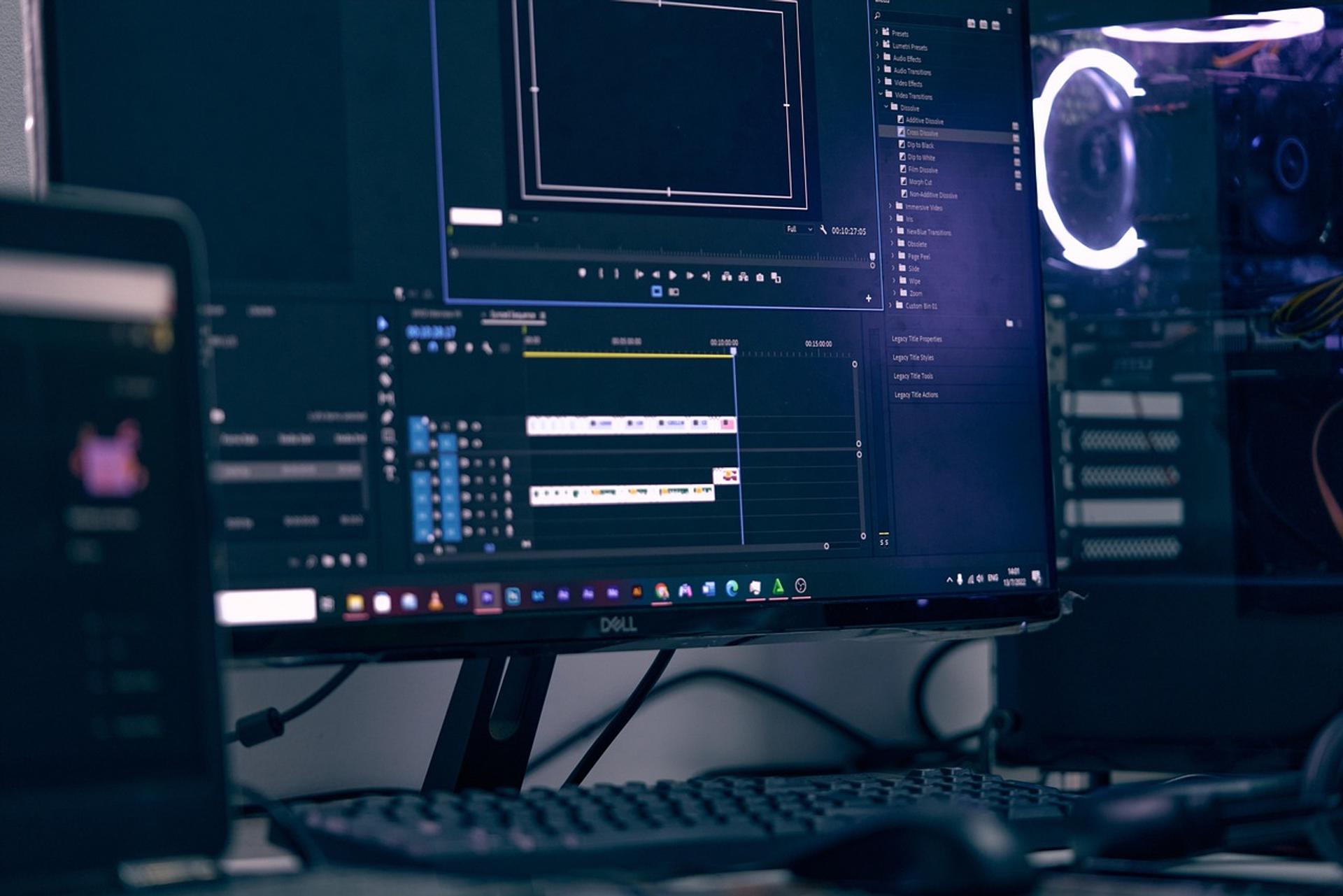
One point foreign buyers consistently underestimate: the app matters less than the machine running it. A top-tier subscription on underpowered hardware produces a worse experience than a free tool on a capable workstation. The practical floor for comfortable editing is 16 GB of RAM, an SSD for media and cache, and a discrete GPU — especially once you move from 1080p into 4K.
When you audit a production partner, ask about their workstations, not just their software licenses. A team editing 4K multi-camera projects on proxy workflows with proper GPU acceleration will deliver on deadline. A team rendering overnight on consumer laptops will not — regardless of which app's splash screen they show you.
Why This Matters for Brands Entering or Operating in Indonesia
Indonesia is one of the most video-hungry markets on earth, and production costs here are a fraction of US, Singapore, or Australian rates — which is precisely why so many global brands source video work locally. But cost advantage only translates to value when the output clears your brand bar. The gap between a cheap vendor and a genuine production partner shows up in exactly the details this guide covers: color discipline, audio layering, motion graphics capability, and a toolchain built for the work rather than for the quote.
There's also a market-timing angle. As AI-driven search and answer engines reshape how audiences discover content, brands are investing more in video that earns attention and citations across channels — not just volume. That raises, rather than lowers, the premium on production quality. A partner who understands both the editing craft and the distribution reality is worth more than one who only does one.
For premium brands specifically, the lesson repeats: consistent output doesn't come from the most expensive app. It comes from an in-house production system that holds quality control from shoot through final render — the same discipline you'd expect from any partner you trust with your name.
Frequently Asked Questions
Which video editing app should our Indonesian production partner be using for premium brand work?
For flagship campaigns, expect Adobe Premiere Pro or DaVinci Resolve in the core pipeline, often with After Effects for motion graphics. These give the color precision, audio control, and interoperability premium output requires. A partner relying solely on template-driven apps like CapCut for flagship work is a yellow flag — fine for volume social content, not for a hero campaign.
Is free software like DaVinci Resolve actually good enough for professional output?
Yes — within its design. DaVinci Resolve's free version is used in film and broadcast and offers color grading that rivals or exceeds paid competitors. The constraint isn't the software; it's the operator's skill and the hardware behind it. Free doesn't mean amateur here.
How do software choices affect the cost of producing video in Indonesia?
Subscription tools like Adobe add recurring per-seat cost, which partners factor into their rates. Partners using one-time-purchase (Vegas Pro) or free (Resolve) tools may quote lower while still delivering professional output. Don't assume the most expensive software means the best result — ask about the full workflow instead.
What hardware specs should I confirm a partner has before trusting them with 4K work?
A minimum of 16 GB RAM (32 GB preferred for 4K), SSD storage for media and cache, and a discrete GPU for acceleration. Ask whether they use proxy workflows for high-resolution projects — a sign of professional pipeline maturity and reliable delivery timelines.
We work in English and across time zones — does software choice affect collaboration?
It can. Premiere Pro's ecosystem supports shared projects and is the most universally known standard, which eases file hand-offs, revisions, and bringing in additional editors anywhere in the world. If seamless cross-border collaboration matters to you, a Premiere-based partner reduces friction.
Should we insist on a specific app, or trust the partner's choice?
Trust a strong partner's choice, but verify the reasoning. The right question isn't "do you use Premiere?" — it's "what does your pipeline look like from shoot to final render, and why?" A partner who can explain their tooling in terms of your output goals understands the business, not just the software.
The Bottom Line
The best PC video editing app is the one that matches the output, the hardware, and the budget of the job in front of it — not the one with the biggest name. Free tools like DaVinci Resolve can deliver studio-grade results; expensive subscriptions on weak machines can't. For foreign brands sourcing video in Indonesia's fast-growing market, software choice is a window into how a partner thinks about quality. Use it as one of several diagnostics, and weigh the whole production system — tools, hardware, and the discipline that connects them — over any single app on the list.
Work With Us
Ready to Grow Your Brand with Sagara Ruang?
From social media content to motion branding - free initial consultation, no commitment required.
Let's work together
GOT A PROJECT
IN MIND?
Tell us about your project - free initial consultation, no commitment required.
More Articles