Beat-Synced Video Editing: 7 Apps and a B2B Playbook for the Indonesian Market
A B2B guide to beat-synced ("jedag jedug") video editing in Indonesia — the 7 best apps, the workflow, and when this format actually serves a brand.
Beat-Synced Video Editing: 7 Apps and a B2B Playbook for the Indonesian Market
The strongest apps for beat-synced video editing today are CapCut, Alight Motion, and VN — each offers automatic beat markers, velocity transitions, and watermark-free export, the three features that define the style Indonesians call "jedag jedug" (an onomatopoeia for a thumping bass). This matters because Indonesia is one of the largest TikTok markets on the planet: DataReportal / We Are Social consistently rank it in the global top tier by user count, and from Jakarta creators to in-house brand teams, this fast, on-the-beat editing style has become the default grammar of the local feed.
If you run marketing for a US, Singapore, or Australia–based company and you're evaluating an Indonesia-based agency partner — or launching your own brand into the market — this is a format you will encounter almost immediately. So it's worth understanding not just how it's made, but when it earns its place in a brand's content mix.
When a premium automotive brand we worked with prepared teaser content for a model launch, the brief was blunt: the reveal had to feel alive in the feed, not a static clip uploaded as an afterthought. Fast, rhythmic formats like beat-synced editing landed on the table — not to chase a trend, but because the right visual cadence lifts watch-time retention in the critical first seconds. That's where the real question surfaced: when does this style work for a brand, and when does it make the brand look cheap?
Short answer: Beat-synced videos are built by cutting clips or photos to the beat of a track, then adding fast transitions (velocity, shake, zoom) precisely on each beat. Apps like CapCut, Alight Motion, and VN provide automatic beat markers, transition presets, and watermark-free export — so the whole cut-to-the-beat process can be finished in minutes, even on a phone.
Key Takeaways
- The three most reliable apps are CapCut (easiest, all-in-one), Alight Motion (precise velocity and keyframe control), and VN (fully free, no watermark).
- The core of the style is not heavy effects — it's cut precision on the beat. A cut that lands one frame off immediately feels "wrong."
- The workflow is consistent across every app: pick a track with a clear beat → mark the beats → cut clips exactly on them → add transitions → color grade → export in high resolution.
- For premium brands, the format fits entertainment and teaser content — not calm, high-consideration product communication. Fit-for-purpose is the whole game.
- The most common mistakes are over-stacked transitions, audio that isn't synced, and exporting with a watermark that quietly downgrades perceived quality.
- For foreign brands entering Indonesia, fluency in this format is a proxy signal: it tells you whether a prospective agency actually understands how the local audience consumes video.
What Beat-Synced Video Is — and Why Everyone Makes It
The name sounds playful, but the concept is serious. A beat-synced video is a short-form edit that ties clip changes, shake effects, and fast transitions to the beat of a track — usually landing on the drop or a hard, emphatic beat. In Indonesia the style is called jedag jedug, mimicking the sound of a pounding bass, and it dominates TikTok, Instagram Reels, and YouTube Shorts.
Why did the format explode? Because a tight rhythm triggers what creators call a "satisfying" effect — the brain enjoys the synchronization of sound and image. In a crowded feed, the first three seconds decide whether someone stops or scrolls past. Beat-driven editing delivers a visual punch that holds the thumb in place.
For individual creators, it's a fast way to make content that feels considered without cinematography skills. For brands, the story is more nuanced — which is exactly what we'll get to at the end. If your team is still fuzzy on the difference between basic editing and motion work, what is motion graphic is a useful foundation before you get into beat-synced transitions.
The 7 Best Beat-Synced Video Editing Apps for 2026
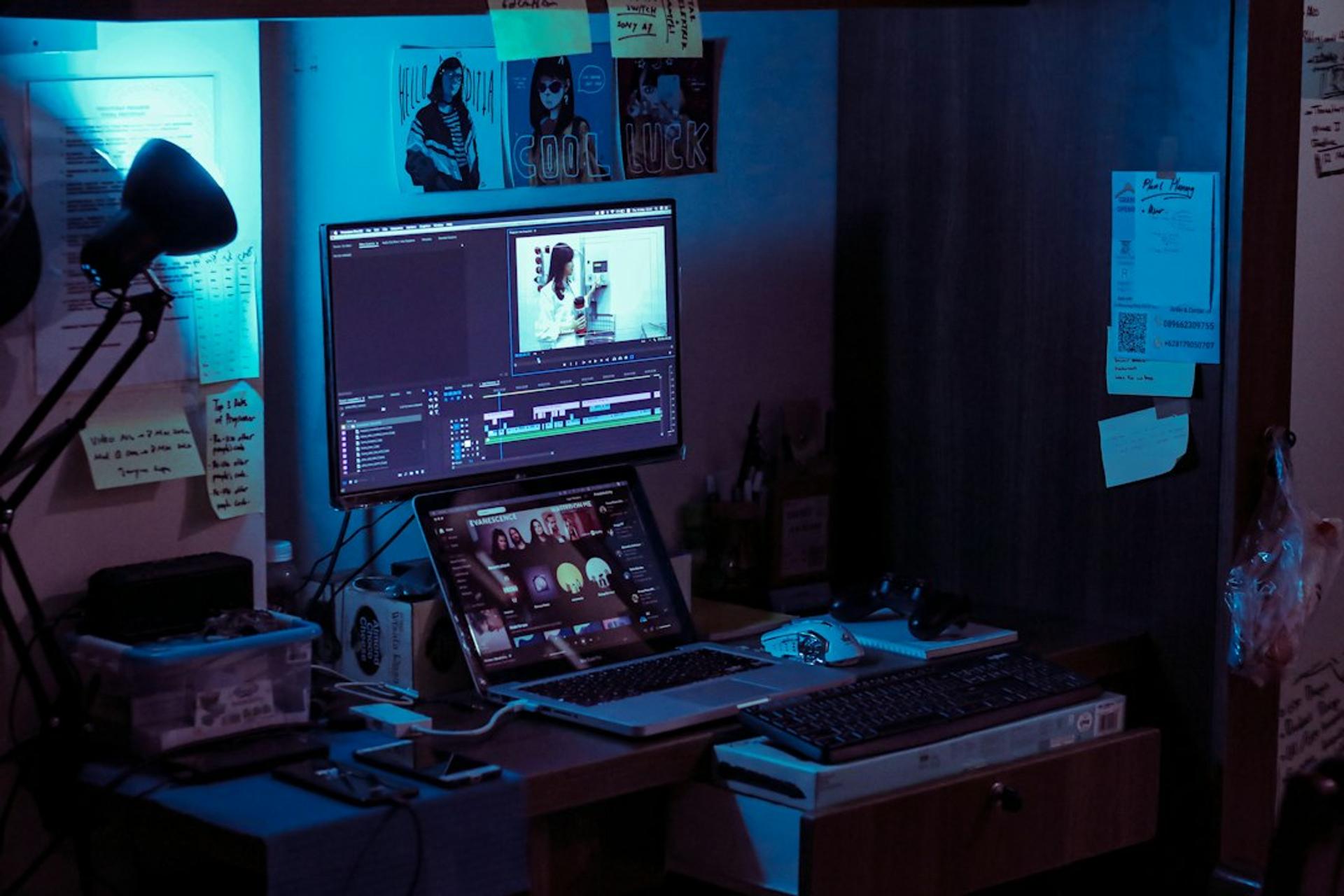
Not every editor is built the same. Some win on ease of use; others on precise keyframe control. Here are the seven most commonly used by beat-sync creators in Indonesia, with each one's strengths.
| App | Platform | Best For | Watermark | Learning Curve |
|---|---|---|---|---|
| CapCut | Android, iOS, PC | Beginner–intermediate, all-in-one | Removable free | Easy |
| Alight Motion | Android, iOS | Velocity edits & precise keyframes | Subscription needed | Intermediate |
| VN Video Editor | Android, iOS, PC | Precise timeline, fully free | No watermark | Easy–intermediate |
| KineMaster | Android, iOS | Multi-layer & audio control | Subscription needed | Intermediate |
| InShot | Android, iOS | Fast daily content | Subscription needed | Very easy |
| PowerDirector | Android, iOS, PC | Full transition & keyframe kit | Subscription needed | Intermediate |
| Filmora | PC, Mac, mobile | Brand-quality desktop production | License needed | Intermediate |
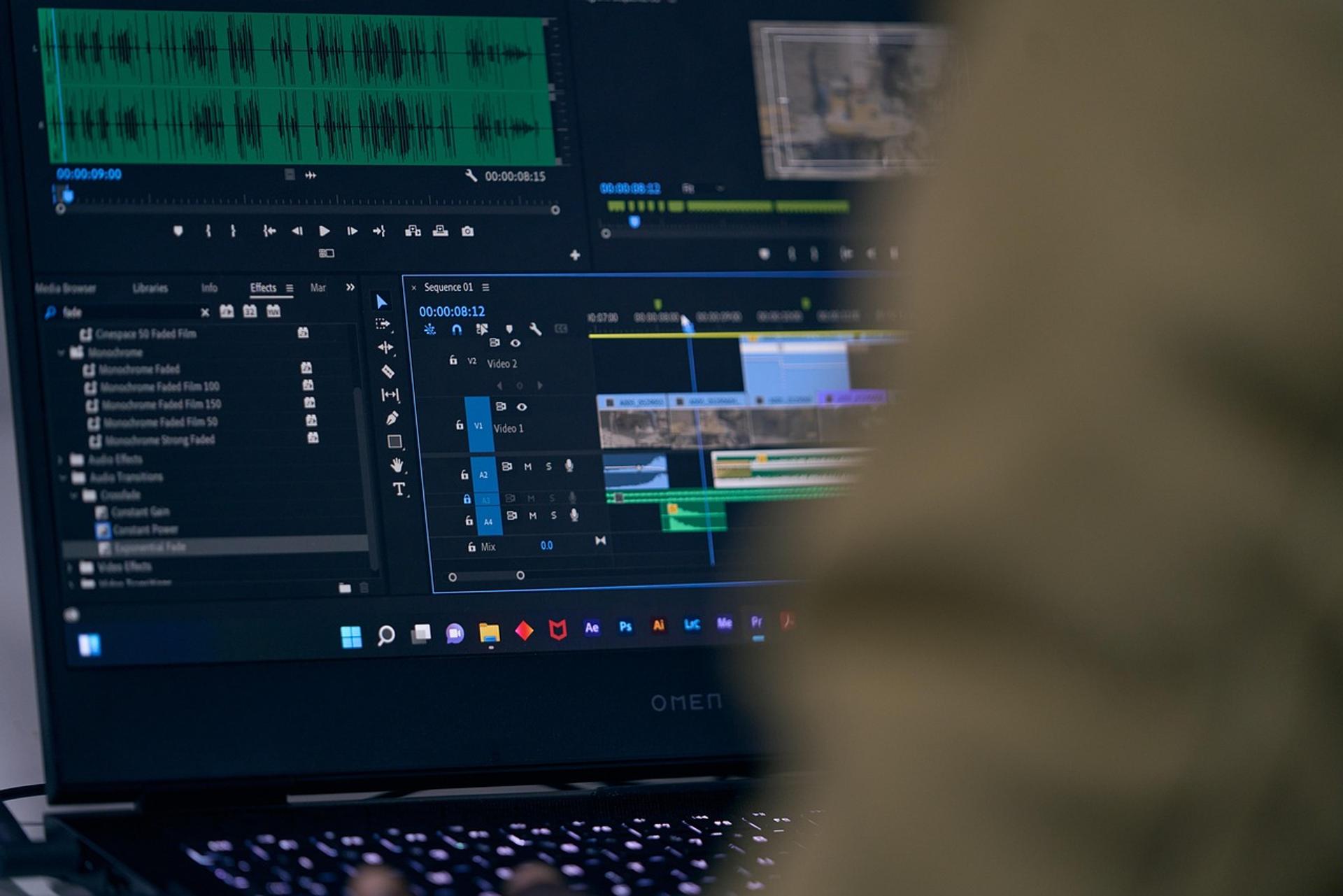
1. CapCut — the starting point for most creators. Its "auto beat" feature detects the track's beats automatically, and it ships with ready-made beat-sync templates. Ideal when you want a fast result without friction.
2. Alight Motion — the king of velocity edits. Its keyframe control enables smooth slow-fast effects, the trick that makes transitions look genuinely professional. The learning curve is steeper, but the payoff is worth it.
3. VN Video Editor — fully free, no watermark, with a precise timeline. A favorite among editors who want manual control without paying for a subscription.
4. KineMaster — strong on multi-layer work and detailed audio settings. Ideal when your video stacks several visual elements at once.
5. InShot — the most beginner-friendly. For daily content that needs to move fast, InShot wins on simplicity, even if its velocity tools are limited.
6. PowerDirector — comprehensive, from transitions to keyframes, on both mobile and desktop. A balanced choice for teams ready to level up.
7. Filmora — the bridge to desktop production. When content has to meet brand-quality standards, editing on a large screen with Filmora gives you room that phone apps can't match.
Want a broader list covering general editing needs? See 12 best video editing apps for 2026 and the free, watermark-free video editing apps roundup to compare.
Work With Sagara
Got a project in mind?
Free initial consultation, no commitment. Or see our services.
How to Make a Beat-Synced Video, Step by Step
Whichever app you choose, the flow is nearly identical. Follow these seven steps and the result is already good enough for the feed:
- Pick audio with a clear beat. Tracks with a firm bass or a sharp drop are the easiest to sync to. Note the beats you want to emphasize.
- Gather your visuals. Prepare short video clips or photos — for beat-sync work, 8–15 pieces usually cover a 15–30 second runtime.
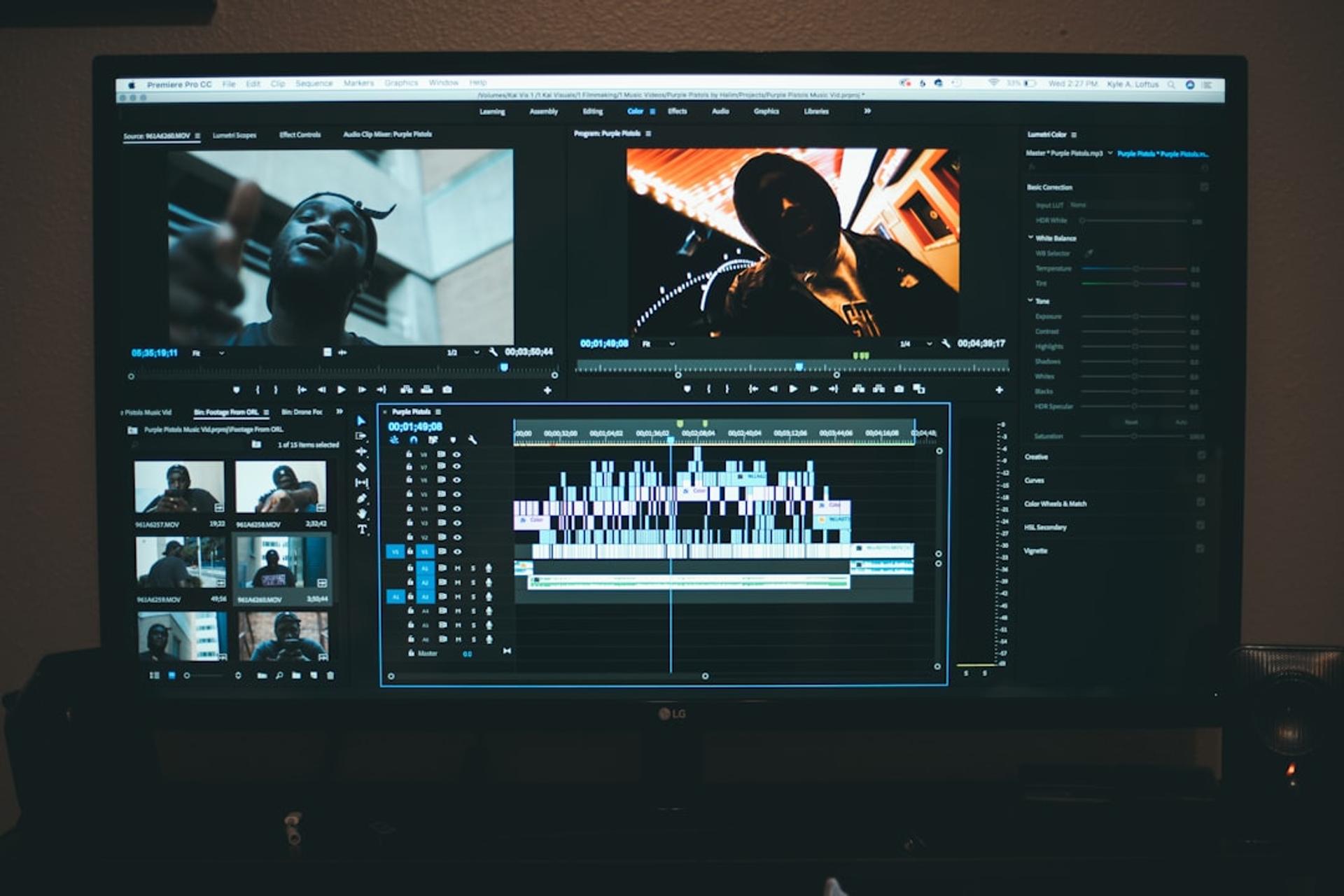
- Import audio first, then mark the beats. Use the beat-marker feature (CapCut is automatic; in VN or Alight Motion you can tap manually while the track plays).
- Cut each clip exactly on the beat. This is the heart of the style. Every visual change has to land precisely on a beat — one frame off and it feels off.
- Add transitions. Velocity (speed-up/slow-down), zoom-in, shake, or a flash at the drop. The rule: one dominant transition type — don't mix them all.
- Color grade and add supporting effects. Match the color tone across clips so the video feels like one piece, not a random collage.
- Export in high resolution, watermark-free. Choose 1080p or higher, 30–60fps. Make sure the watermark is off before you upload.
Done. Practice a few times and your instinct for where to cut will sharpen on its own.
Tips for Smooth Beat-Synced Transitions
Beginners assume beat-sync editing is about stacking as many effects as possible. It's the opposite. Experienced editors know that precision beats quantity.
First, keep cut durations consistent. If you're cutting every half-beat, hold that pattern — the viewer's brain locks onto the rhythm, and a consistent pattern feels satisfying. Second, use velocity sparingly. Slow-fast effects are powerful precisely because they're not everywhere; deploy them at the moments that deserve emphasis, typically the drop. Third, treat color grading as the glue. A unified tone is what separates a deliberate edit from a pile of borrowed clips.
And one operational note that matters more than it sounds: always export without a watermark. For a personal creator, a watermark is a minor annoyance. For a brand, it silently signals "amateur" — the exact opposite of what a paid campaign is trying to communicate.
When Beat-Synced Editing Actually Works for a Brand
Here's the part that matters most to a marketing director, and it's where the answer diverges sharply from the creator use case.
Beat-synced editing is a tone. It reads as energetic, youthful, playful, and trend-native. That tone is an asset for the right objective and a liability for the wrong one. It fits social entertainment content, launch teasers, event recaps, behind-the-scenes reels, and product moments where energy is the message. It does not fit communication that needs calm authority — think financial services trust-building, luxury heritage storytelling, or B2B thought leadership, where a rushed, thumping edit undercuts the very perception you're paying to build.
The premium automotive teaser we mentioned worked because the format was matched to the objective: create feed-native energy around a reveal, then hand off to calmer, higher-production assets for the considered part of the funnel. The beat-sync clip was the hook, not the whole story. That is the discipline most brands miss — they either refuse the format entirely and look stiff, or over-apply it and look cheap.
Why This Matters for Foreign Brands Operating in Indonesia
If you're a CMO or brand manager outside Indonesia, you might reasonably ask why a phone-editing style deserves a place in your evaluation criteria. Three reasons.
One: it's a fluency test for agency partners. Indonesia's audience is mobile-first and short-form-native to a degree that surprises many Western marketers. An agency that can produce clean, on-beat, watermark-free content — and, more importantly, knows when not to — is demonstrating that it understands the local feed. If a prospective partner can't speak this language at all, that's a signal about their reach into the audience you're paying them to win.
Two: it changes your cost and speed assumptions. Much of this work is produced on mobile in minutes, not in a multi-day studio cycle. For foreign brands used to Western agency production timelines and rate cards, the Indonesian short-form model can be dramatically faster and cheaper for top-of-funnel volume — which reshapes how you budget a content calendar for the market.
Three: format fit is a brand-safety decision, not a creative one. The line between "trend-native" and "cheap" is culturally specific. A transition that reads as fun to a local 22-year-old can read as unserious to your global brand guardians — and vice versa. A good in-market partner arbitrates that line for you, which is exactly the kind of local judgment you can't import from headquarters.
A related shift worth flagging: as buyers increasingly ask AI assistants like ChatGPT and Perplexity for recommendations, discoverability now extends beyond search rankings into answer-engine visibility. Short-form video won't directly change what an AI answer says about your brand, but the broader lesson holds — the channels your Indonesian audience actually uses should drive your content mix, not the ones your home market defaults to.
Frequently Asked Questions
Q: Is beat-synced ("jedag jedug") video suitable for a premium or B2B brand?
A: Selectively. It fits entertainment, teaser, and event content where energy is the point. For high-consideration or trust-driven messaging — finance, luxury heritage, B2B thought leadership — a calmer, higher-production format almost always serves the brand better. The skill is matching format to objective, not banning or over-using the style.
Q: Can this really be produced entirely on a phone, or do we need a studio?
A: Almost all of it can be produced on a phone with CapCut, VN, or Alight Motion. For content that must hit strict brand-quality standards, desktop tools like Filmora give more control. Most Indonesian short-form volume, though, is genuinely mobile-first — which is part of why it's fast and cost-efficient.
Q: We don't speak Indonesian. How do we brief and quality-check this work?
A: The visual grammar is language-independent — you can review pacing, cut precision, color consistency, and watermark presence without any Indonesian. Brief on objective and brand guardrails (tone, do-not-use effects, logo treatment) and let an in-market partner handle the culturally specific judgment calls about what reads as "trend-native" versus "cheap."
Q: Why does watermark-free export matter so much?
A: A watermark quietly signals "amateur." For a personal creator it's harmless; on a paid brand campaign it undercuts perceived quality and, by extension, the trust you're spending money to build. Insist that every deliverable is exported clean at 1080p or higher.
Q: How does short-form video editing fit into a broader Indonesia market strategy?
A: Treat beat-synced clips as a top-of-funnel hook that creates feed-native energy, then route attention to calmer, higher-production assets for the consideration and decision stages. It's one instrument in the mix — powerful for reach and retention, wrong as the whole brand voice.
Q: How do we tell whether an agency is actually good at this?
A: Look for cut precision (do transitions land exactly on the beat?), restraint (one dominant transition, not ten stacked effects), color consistency across clips, and clean watermark-free export. Then ask them to explain when they'd advise against the format — the answer reveals whether they think like brand strategists or just template-fillers.
The Bottom Line
Beat-synced editing is easy to make and easy to misuse. The apps — CapCut, Alight Motion, VN, and the rest — have made the technical barrier almost nonexistent. What hasn't gotten easier is the judgment: knowing when the format serves the brand and when it cheapens it. For a foreign brand evaluating the Indonesian market, that judgment is precisely what a strong local partner brings — fluency in the feed, honesty about fit, and the discipline to use energy where it earns attention without spending brand equity to get it.
Work With Us
Ready to Grow Your Brand with Sagara Ruang?
From social media content to motion branding - free initial consultation, no commitment required.
Let's work together
GOT A PROJECT
IN MIND?
Tell us about your project - free initial consultation, no commitment required.
More Articles